 Coo
Baby tracker for iPhone
Who fed her last? When did he go down?
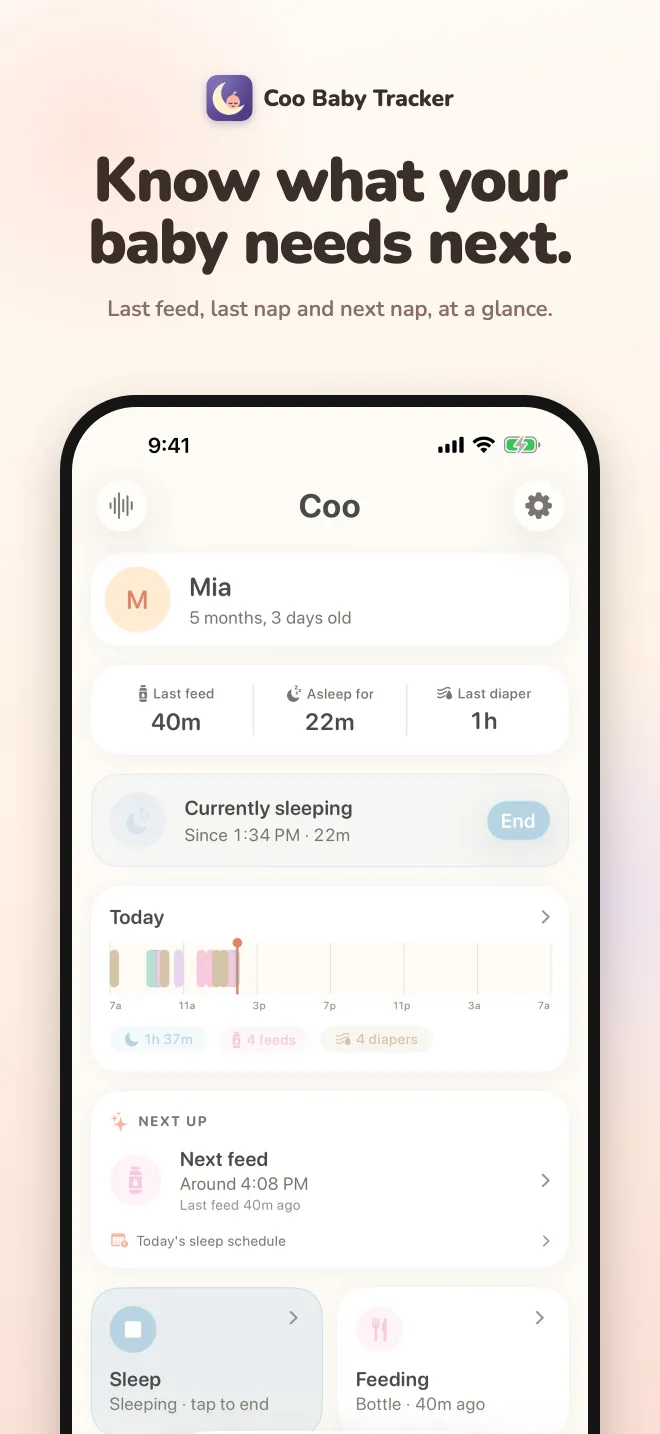
Coo answers that in one glance, for both parents. Log feeds, naps, diapers and pumping in two taps, see today's nap schedule, and share the log with your partner for free.
No account. No subscription. No data collected.
Everything in one log
Sleep
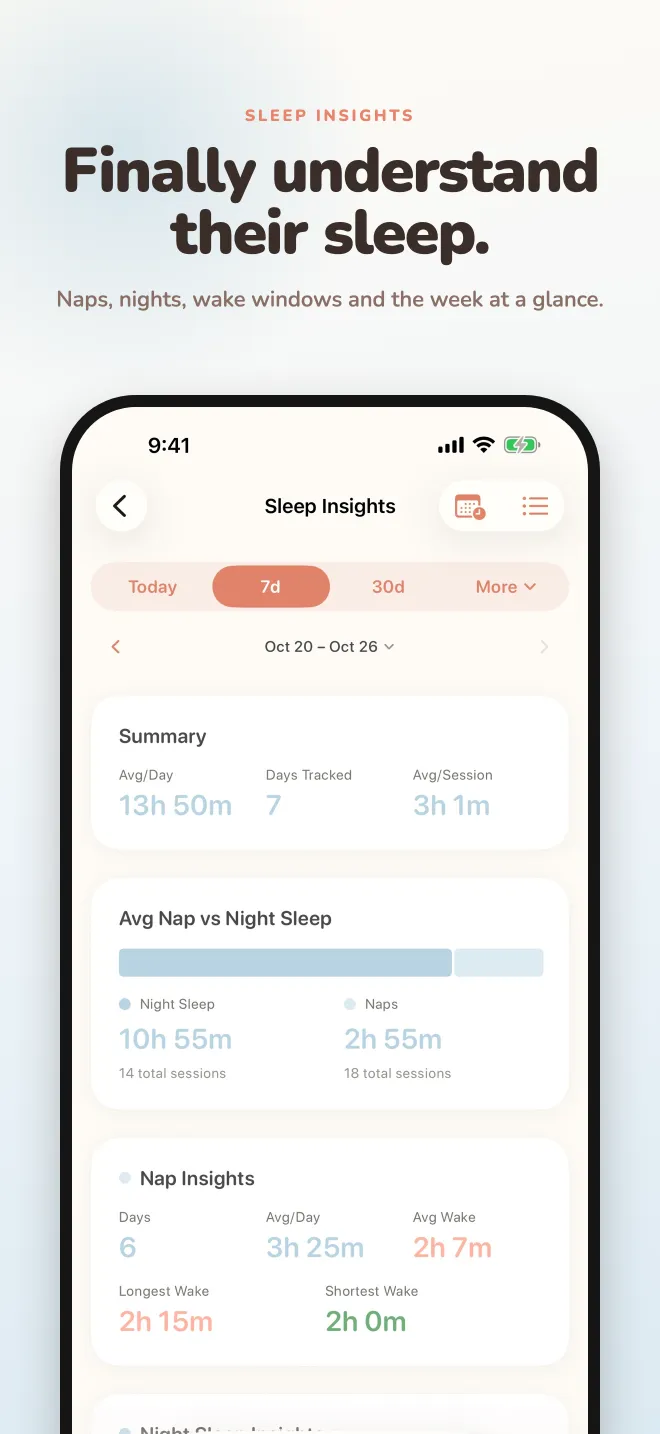
Start a nap with one tap and watch the live timer. Coo tells naps from night sleep on its own and charts both.
Feeding
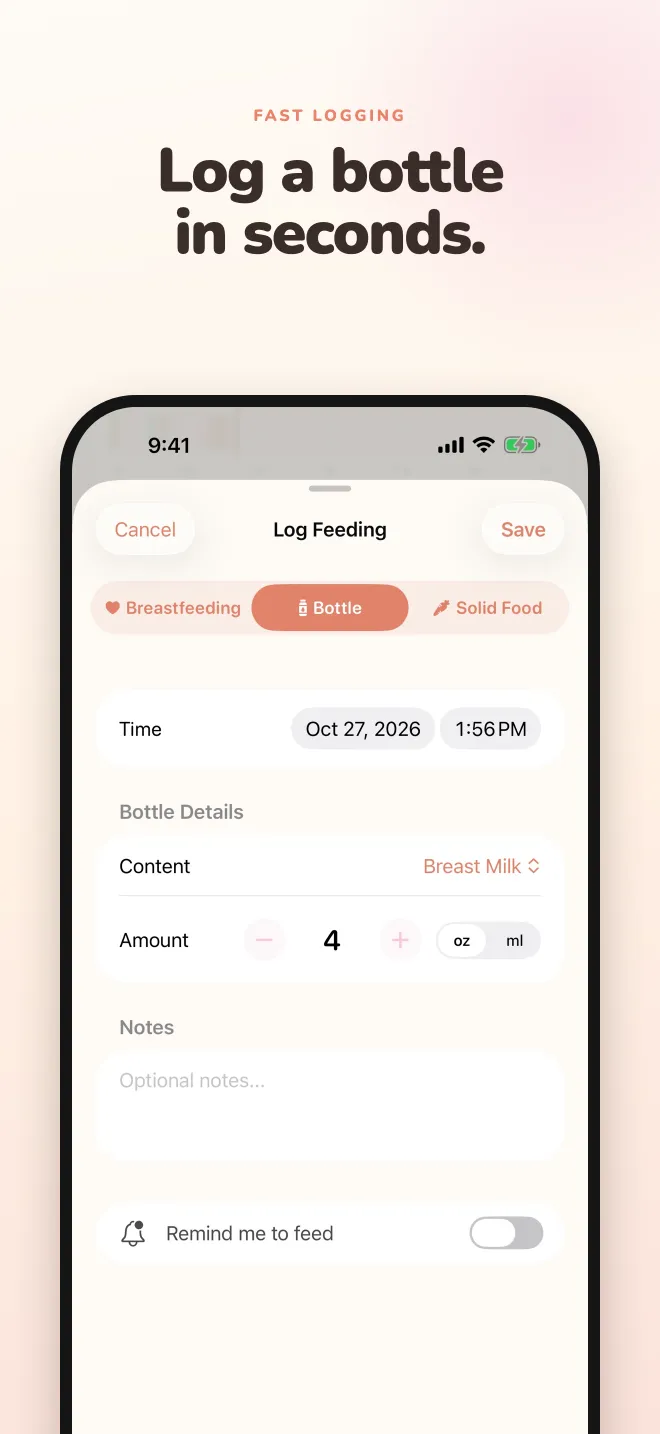
Breastfeeding with a left/right timer that remembers the last side, bottles of breast milk or formula in oz or ml, and solids with allergen tracking.
Diapers and pumping
Wet, dirty or both, with color and texture. Pumping sessions with a live clock and volume.
Next up and nap schedule
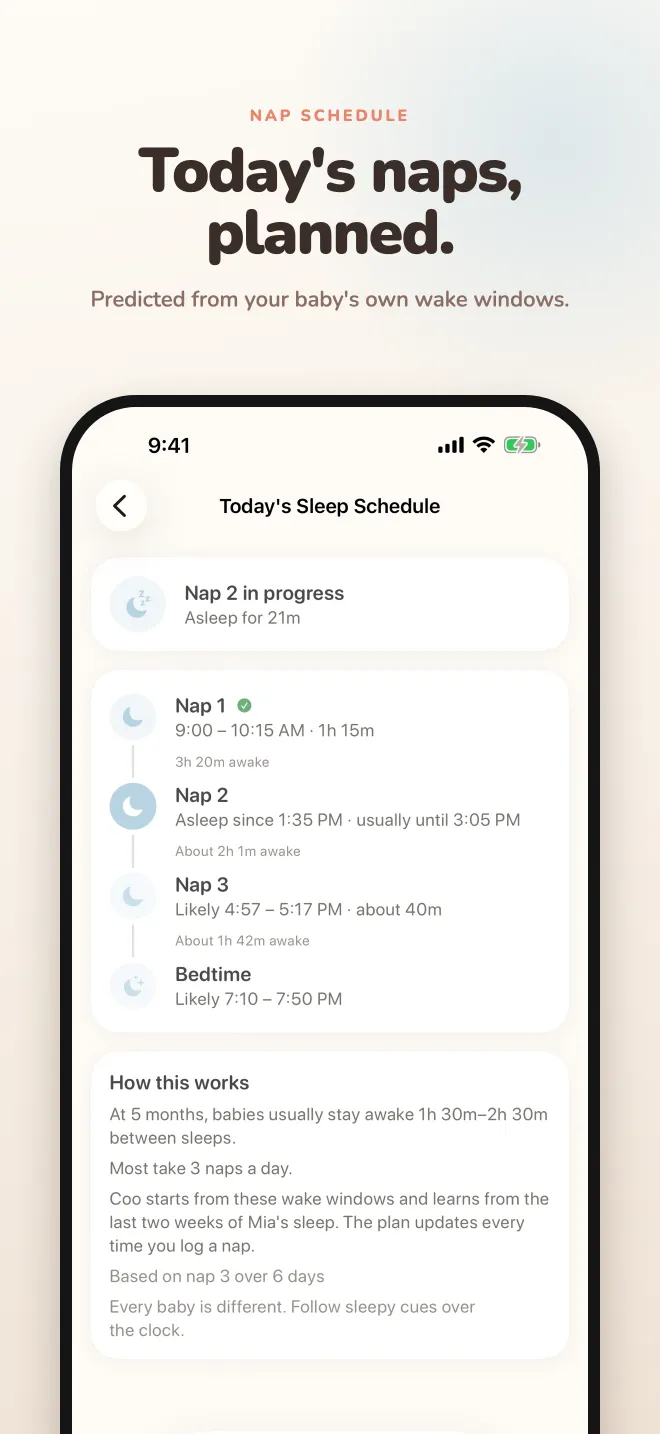
Coo learns your baby's wake windows and naps a day, then plans today's naps and bedtime. Optional reminders for the next feed or nap.
Sleep sounds
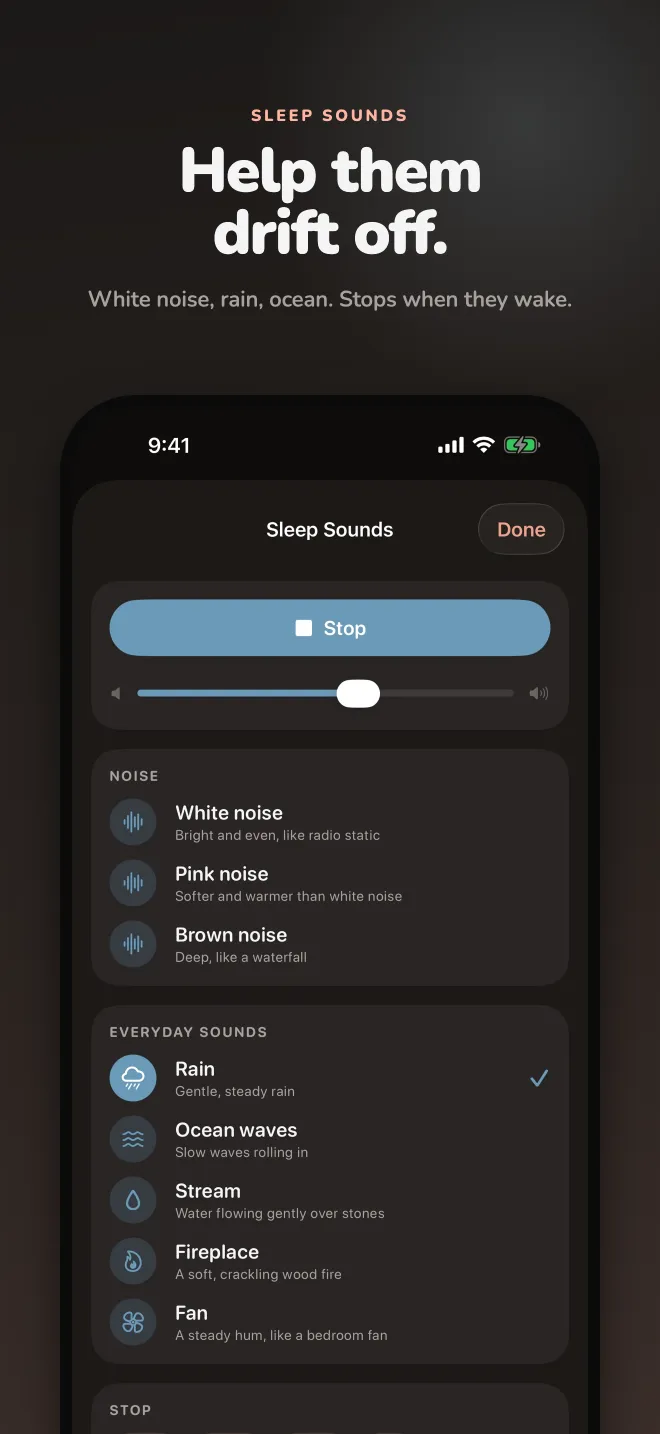
White noise with a timer that fades out when the nap ends. Premium adds pink and brown noise, rain, ocean, stream, fireplace and fan.
Widgets, Lock Screen, Live Activity
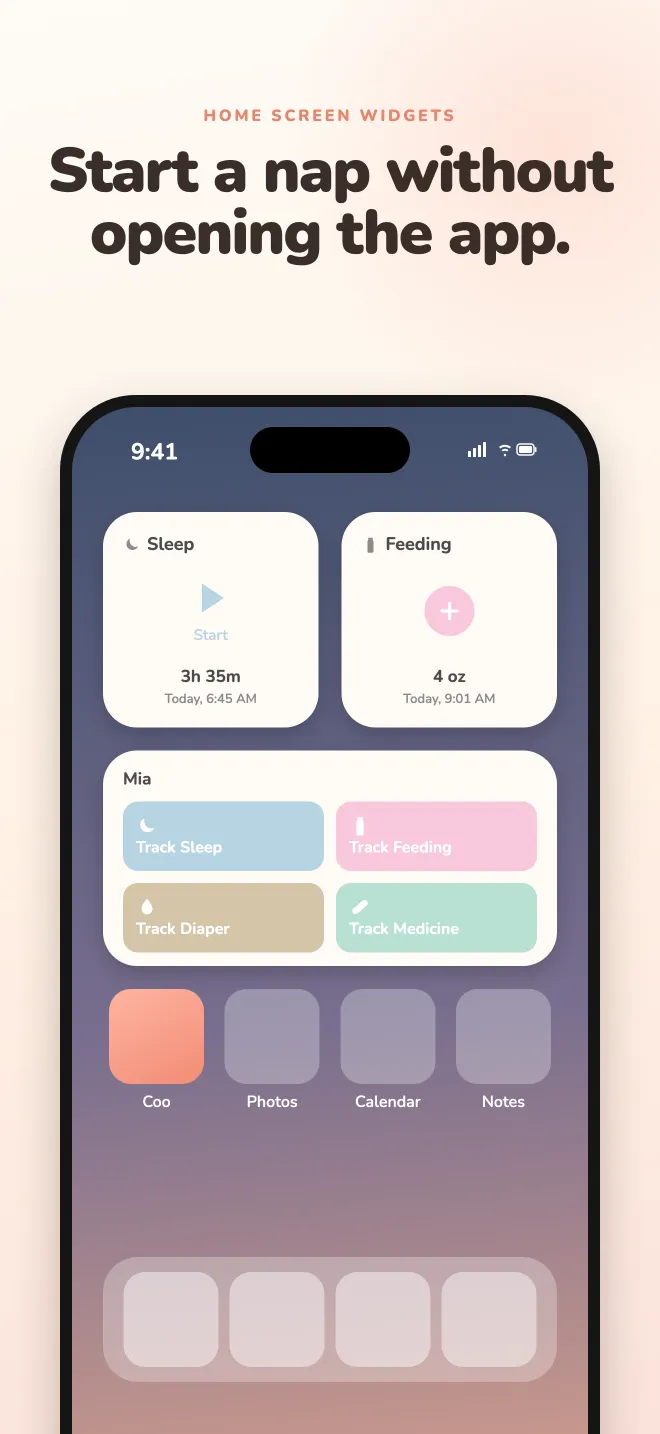
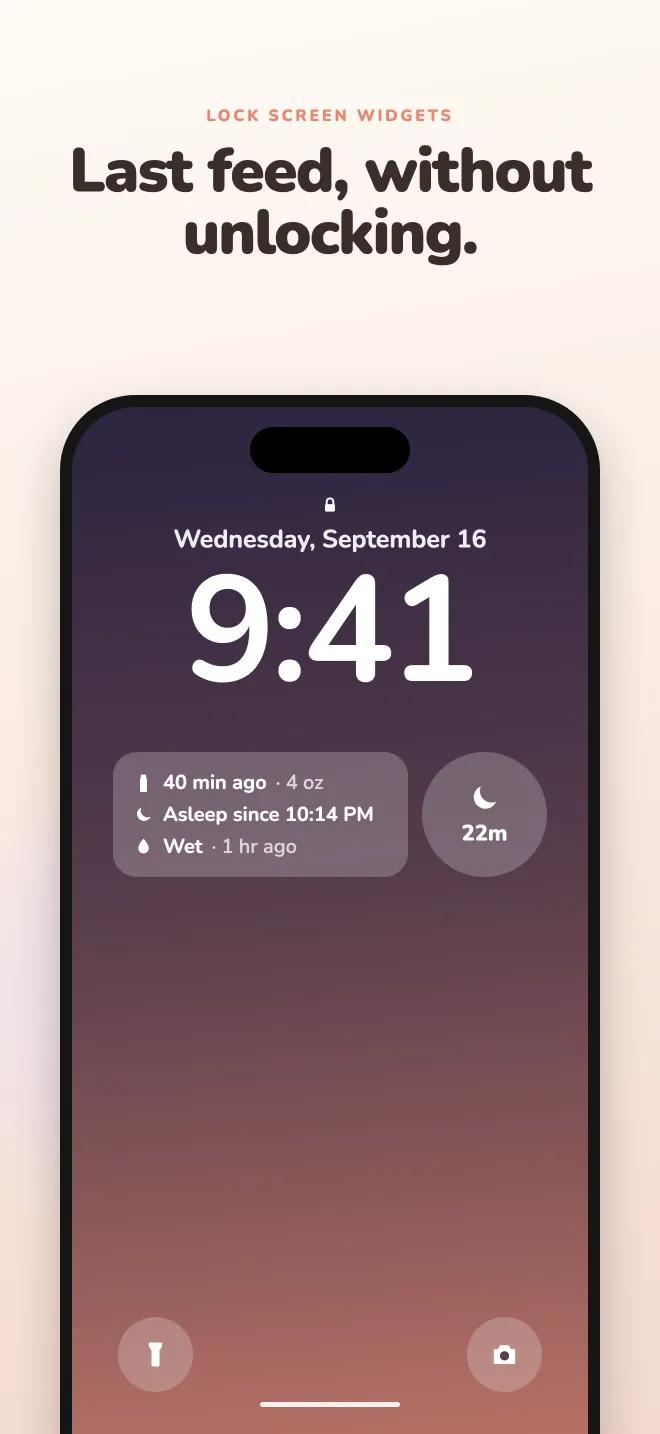
Start a nap or log a feed from the Home Screen, see the last feed and sleep without unlocking, and follow a running timer in the Dynamic Island.
Medicine, growth, milestones
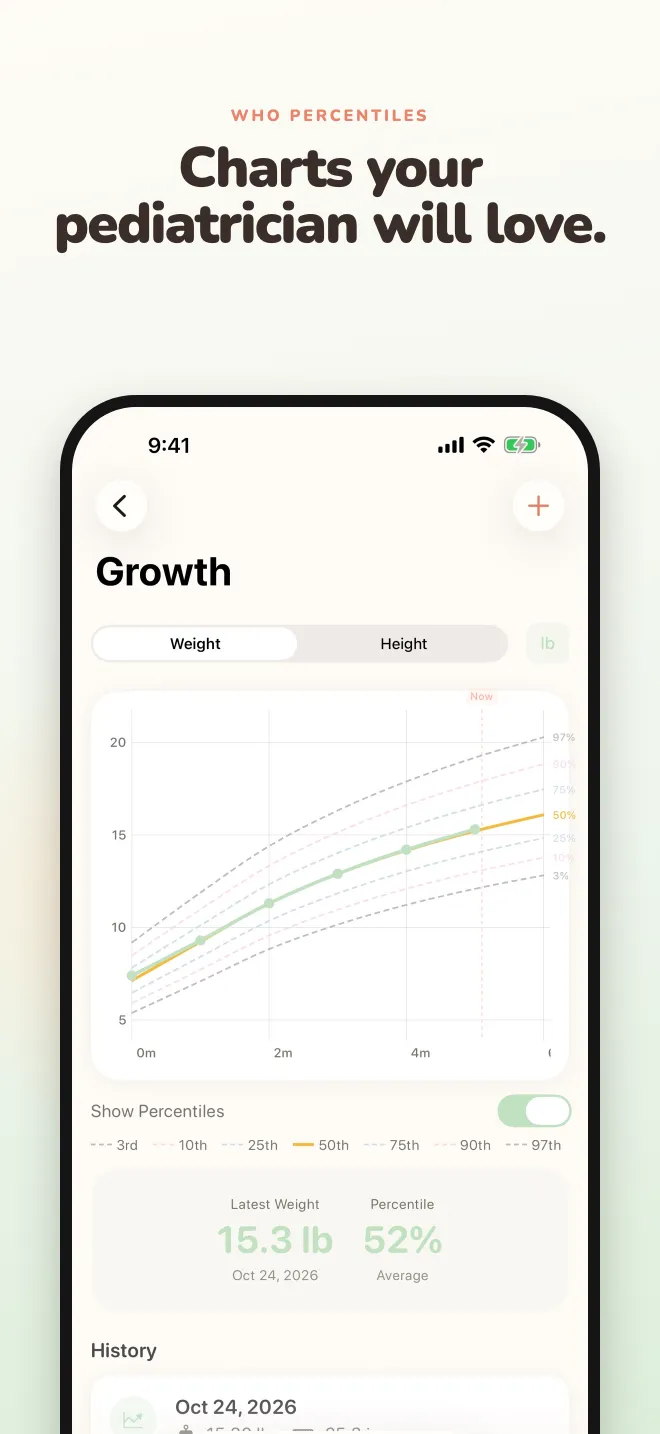
Doses with saved presets and interval reminders, weight and height on WHO percentile charts, and the CDC milestone checklist by age.
Insights
Daily sleep, feeding and pumping charts, nap vs night breakdown, wake windows, nursing sides and a 24-hour pattern view of every day.
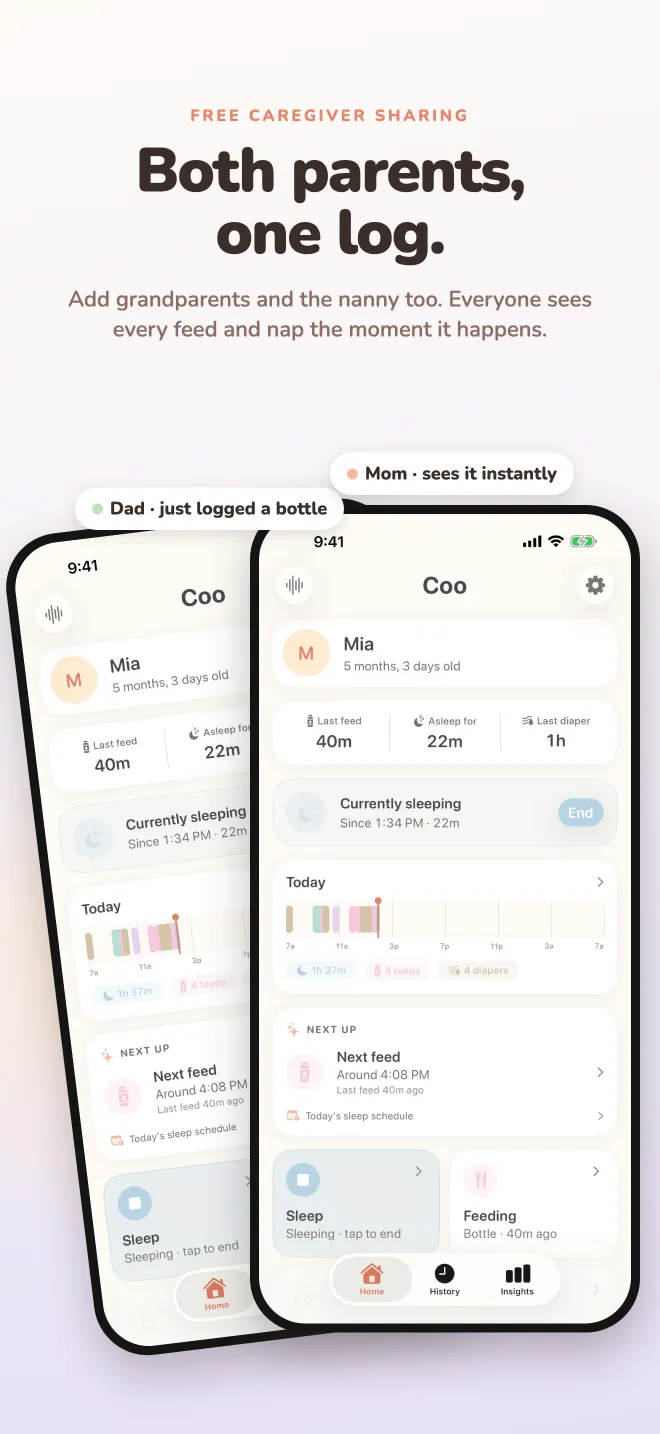
Both parents, one log
Invite your partner, grandparents or nanny. Everyone logs into the same baby from their own iPhone and sees changes in real time. Sharing is free, for you and for them, and uses your iCloud account, so nobody signs up for anything.
Private by design
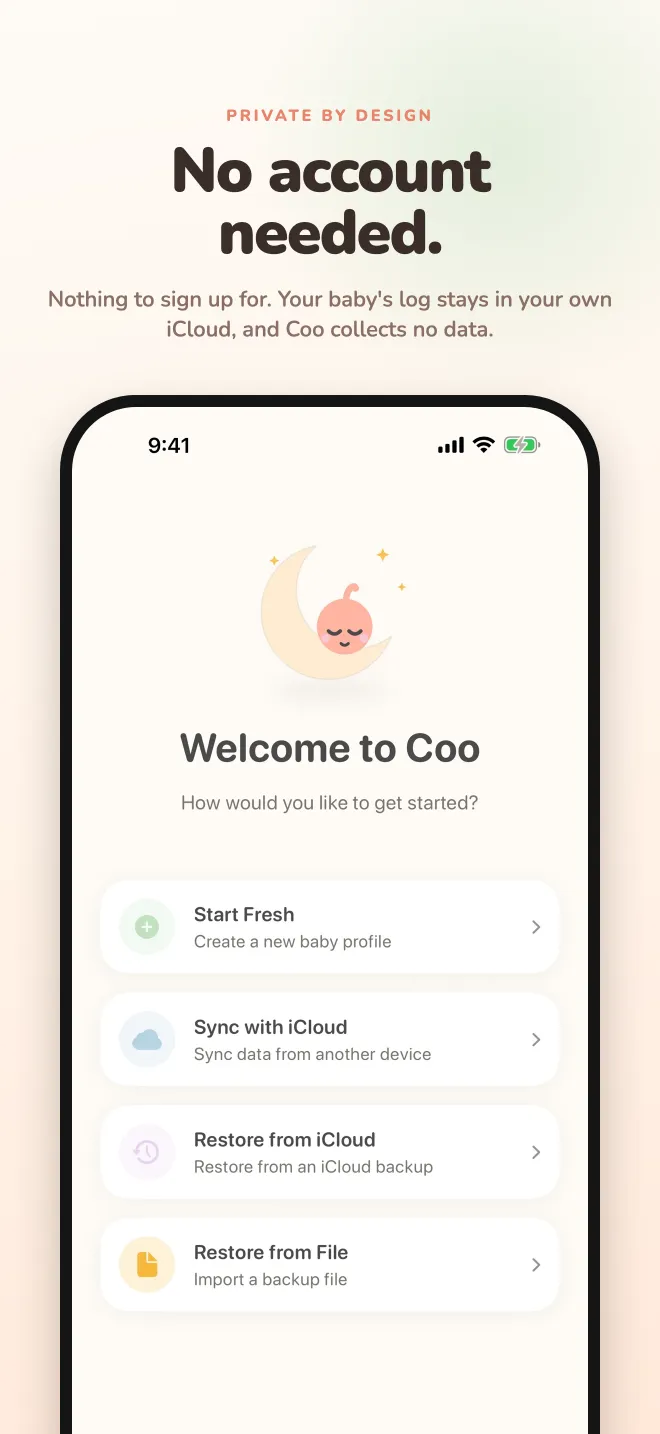
Coo has no servers, no analytics and no ads. Your baby's log stays on your iPhone and in your own iCloud. It works offline, at 3am, with big buttons and full dark mode.
Free, or Premium once
Free
- Unlimited logging of everything
- Insights for today and the last 7 days
- Next up suggestions, reminders and today's nap schedule
- Nursing and pumping timers, Live Activity, Siri and Control Center
- White noise with a sleep timer
- Sharing with your partner and caregivers
- Quick Track widget and Lock Screen widgets
Coo Premium · one-time purchase
- Multiple baby profiles
- Trends from 14 days to a year, and custom ranges
- Full history beyond the last 30 days
- JSON export and iCloud Drive backup
- Medium and large Home Screen widgets
- Seven more sleep sounds, and sound that starts with every nap
- Extra color themes
Guides for new parents
- Baby wake windows by ageHow long a baby can stay awake between sleeps, month by month, from newborn to 2 years.
- Baby sleep schedule by ageHow many naps a day, how much total sleep, and when the nap transitions usually happen.
- Newborn feeding scheduleHow often and how much babies eat in the first months, for breastfeeding and bottle feeding.
- How many diapers should a newborn have?Wet and dirty diapers by day of life, what normal looks like, and when to call the doctor.
- White noise for babies: volume, distance and timingHow loud is too loud, where to put the speaker, and whether to keep it on all night.
- The best baby tracker apps for sharing with a partnerWhich baby trackers let both parents log the same baby, and which ones charge for it.
Questions
- Is Coo free?
- Yes. Logging everything, 7-day insights, today's nap schedule, white noise, sharing with caregivers, the Quick Track widget and the Lock Screen widgets are free. Coo Premium is a one-time purchase, not a subscription, and adds multiple babies, longer trends, full history, backup and export, the larger widgets, more sleep sounds and themes.
- Can both parents use Coo on their own iPhones?
- Yes, and it's free. Share your baby's profile from Settings and your partner, a grandparent or a nanny logs into the same log from their own iPhone. Changes show up for everyone in real time through iCloud. The person you invite doesn't need Premium.
- Do I need to create an account?
- No. Coo has no accounts and no servers. Your baby's log lives on your iPhone and, if you turn on sync, in your own iCloud account.
- Does Coo predict naps?
- Yes. Coo starts from typical wake windows for your baby's age, then learns from your own logs: how long your baby is usually awake before each nap of the day, how many naps they take and when bedtime is. The Next Up card and today's sleep schedule are free.
- Is Coo on Android or Apple Watch?
- Coo runs on iPhone and iPad (iOS 17.6 or later). It isn't on Android, because sharing is built on Apple's iCloud. There is no Apple Watch app yet.
- Which languages does Coo support?
- English, German, French, Spanish, Portuguese (Brazil) and Japanese. You can pick the language inside the app.
- What data does Coo collect?
- None. Coo has no analytics, no ads and no tracking. Sync and sharing use your own iCloud account through Apple's CloudKit, and the app works offline.